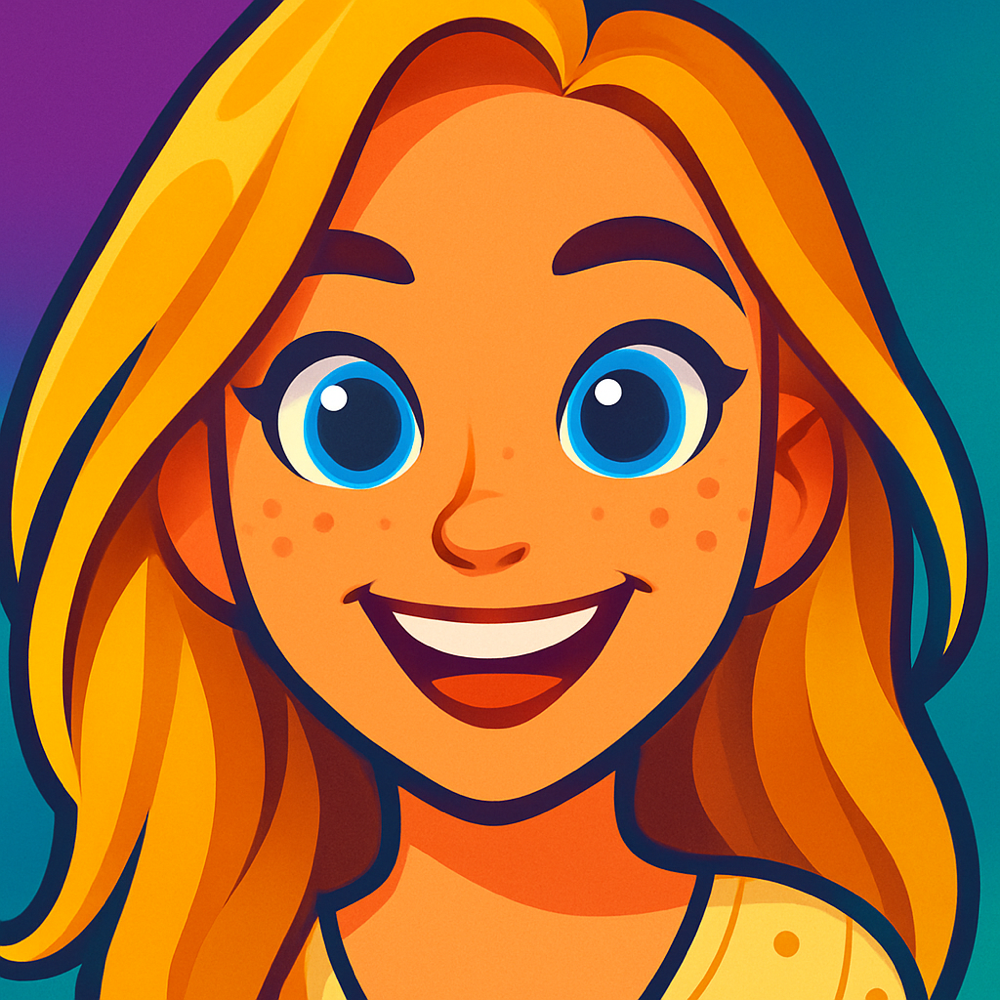
How to Turn a Photo Into a Cartoon Using AI
Transform your photos into amazing cartoon art in just a few clicks. Here's everything you need to know about using a photo to cartoon AI generator.
One protected preview free · Unlock your full-resolution result plus more creations with a 10-credit pack
Step-by-Step Guide
Follow these simple steps to create your cartoon
Upload Your Photo
Start by selecting a high-quality photo with good lighting and clear subjects. Choose photos with clean backgrounds and well-defined features for the best results.
Select a Cartoon Style
Choose from our range of 13+ cartoon styles like Classic Anime, Animation Studio, Block Movie, or others. Each style creates different artistic effects for your transformation.
Add Custom Details (Optional)
Enhance your cartoon with specific instructions like 'make it colorful' or 'in a forest background.' Custom prompts help the AI understand your vision.
Generate Your Cartoon
Click 'Generate' and watch the magic happen! Our AI completes the protected preview shortly.
Refine If Needed
Not completely satisfied? Try adjusting your prompts or try a different style. Add details like 'vibrant colors' or 'dramatic lighting' to guide the AI.
Download and Share
Once you're happy with your cartoon, save it to your device and share on social media. Tag us so we can see your amazing creations!
Example Cartoons
See what's possible with Cartoonie AI

Transform your photos into modern animation style characters.

Bold, fun, and silly. It's the Cartoonie style!

Bold, fun, and silly. It's the Cartoonie style!

Bold, fun, and silly. It's the Cartoonie style!

Turn your photo into a fun cartoon football star in your nation's kit colors.

Turn your photo into a fun cartoon football star in your nation's kit colors.

Turn your photo into a fun cartoon football star in your nation's kit colors.

Transform your photos into modern animation style characters.

Turn your photo into a fun cartoon football star in your nation's kit colors.

Get the 3D animated look of Animated Movie films with our AI cartoon converter.
Tips for Better Results
Follow these tips to get the most out of your AI cartoonizer
Use high-resolution photos with good lighting for best results
Photos with clear subjects against simple backgrounds work best
Be specific in your prompts - mention colors, styles, and backgrounds
Experiment with different styles to find the perfect match
For portraits, use photos where faces are clearly visible
Why Use AI to Convert Photos to Cartoons
A photo to cartoon AI generator does shortly what used to take hours of skilled work. Before AI cartoonizers existed, your options were limited: learn Photoshop, hire a freelance artist, or settle for basic phone filters that barely qualified as "cartoon." Each of those approaches has real drawbacks that AI sidesteps entirely.
Photoshop can produce decent cartoon effects, but the process is tedious. You need to layer multiple filters, manually adjust edge detection, tweak color posterization, and fine-tune the result pixel by pixel. A single portrait can take 30 minutes to 2 hours, and the output still looks like a filtered photo rather than genuine cartoon art. You also need paid Photoshop access and the skills to use it.
Hiring a caricature or cartoon artist produces beautiful results. But expect to pay $50 to $200+ per illustration and wait days for delivery. That works for a special gift, but it's not practical when you want to cartoon a dozen photos for social media or create cartoon versions of your entire friend group.
AI photo to cartoon tools hit a sweet spot: fast, affordable, and surprisingly good quality. The best ones produce output that looks genuinely hand-drawn, not like a cheap Instagram filter.
| Method | Speed | Cost | Skill Needed | Quality |
|---|---|---|---|---|
| AI Cartoonizer | Shortly | Free to low | None | High |
| Photoshop | 30 min - 2 hrs | $22.99/mo | Intermediate | Medium |
| Freelance Artist | 2-7 days | $50-$200+ | None (you hire) | Very High |
| Phone Filters | Instant | Free | None | Low |
Phone filters are fast but produce generic, low-quality results that everyone recognizes as filters. An AI cartoon generator like Cartoonie gives you the speed of a filter with quality that approaches hand-drawn art.
Cartoon Styles to Choose From
Every photo to cartoon AI style produces a completely different look. Browse them all and pick the one that matches your vibe.

Bedazzled

Bloxy

Dreamworks Animation

Modern Disney

Classic Disney

Studio Ghibli

Get Roasted

Kawaii Chibi

Action Figure Style

PS2

Gel Toy Style

Balloon Animal Style

Atomic Age

Sin City

Stained Glass

Ukiyo-e

Bobblehead

Vinyl Mini

Bubble Head

Squishy Buddy

OMG Sticker

Cozy Crochet

Plushie

Dragon Ball Z

Comic Line Art

90's Nickelodeon

Pixar Animation

Stardew Valley

Lego Movie

Animal Crossing

Bluey

Scooby Doo

Cartoonie

Wallace and Gromit
What People Use AI Cartoons For
A photo to cartoon generator is more versatile than you might think. Here are some of the most popular ways people use their AI-generated cartoon art.
Social Media Profiles
Stand out with a cartoon avatar on Instagram, TikTok, LinkedIn, or X. A cartoon profile picture grabs attention and shows personality without using an actual photo.
Gifts & Greeting Cards
Turn a photo of a friend or family member into a cartoon for a birthday card, holiday gift, or framed print. It's personal, fun, and way more memorable than a generic present.
Pet Portraits
Dogs, cats, birds, rabbits -- they all look incredible as cartoons. Pet portrait cartoons are one of the most popular use cases, and the AI handles animal features just as well as human faces.
Couples & Family Portraits
Transform a couple's photo or family snapshot into cartoon art. These make great anniversary gifts, wedding favors, or holiday cards that the whole family will love.
Professional Avatars
Need an avatar for Slack, Zoom, GitHub, or your company directory? A cartoon version of your professional headshot keeps things approachable while maintaining a polished look.
Content Creation
YouTubers, bloggers, and podcasters use AI cartoon art for thumbnails, channel art, and promotional materials. Cartoon visuals are eye-catching and perform well in feeds.
Frequently Asked Questions
Answers to common questions about photo to cartoon AI conversion.
Is AI photo to cartoon conversion free?
Cartoonie gives you one protected preview from your photo. Unlock the full-resolution result plus more creations with a 10-credit pack, or continue in the iOS app.
How does a photo to cartoon AI generator work?
A photo to cartoon AI generator uses machine learning models trained on millions of images to understand facial features, lighting, and composition. When you upload a photo, the AI analyzes the image, identifies key elements like faces, backgrounds, and colors, then redraws the scene in the selected cartoon style while preserving the likeness of the original subject.
What photo types work best with an AI cartoonizer?
Photos with good lighting, clear subjects, and simple backgrounds produce the best cartoon results. Portraits where faces are clearly visible work especially well. High-resolution images with sharp focus give the AI more detail to work with. Avoid blurry, dark, or heavily filtered photos for the best transformation.
Can I use AI to cartoon a group photo or pet photo?
Yes, AI cartoon generators like Cartoonie work with group photos, pet photos, landscapes, and more. The AI can handle multiple subjects in a single image. Pet portraits are one of the most popular use cases, turning dogs, cats, and other animals into adorable cartoon characters.
How long does AI photo to cartoon conversion take?
AI-powered photo to cartoon conversion completes shortly after you choose an active style. This is faster than manual methods like Photoshop editing or commissioning a hand-drawn cartoon.
What cartoon styles are available in AI generators?
AI cartoon generators offer a wide range of styles. Cartoonie includes 13+ styles such as Classic Anime, Animation Studio, Block Movie, Watercolor, and more. Each style creates a completely different look, from Japanese manga-inspired art to Pixar-like 3D animation aesthetics. You can preview each style before generating.
More Cartoon Guides & Tools
Ready to Create Your First Cartoon?
Upload a photo, choose an active style, and get one protected preview in the browser. Unlock the full-resolution result plus more creations with a 10-credit pack, or use the iOS app.