Turn Any Photo Into an AI Cartoon
A tiny animation studio wherever you are. Turn people, pets, and favorite moments into expressive cartoon art with a protected web preview, or create in the iPhone and iPad app.
One protected preview free · Unlock your full-resolution result plus more creations with a 10-credit pack
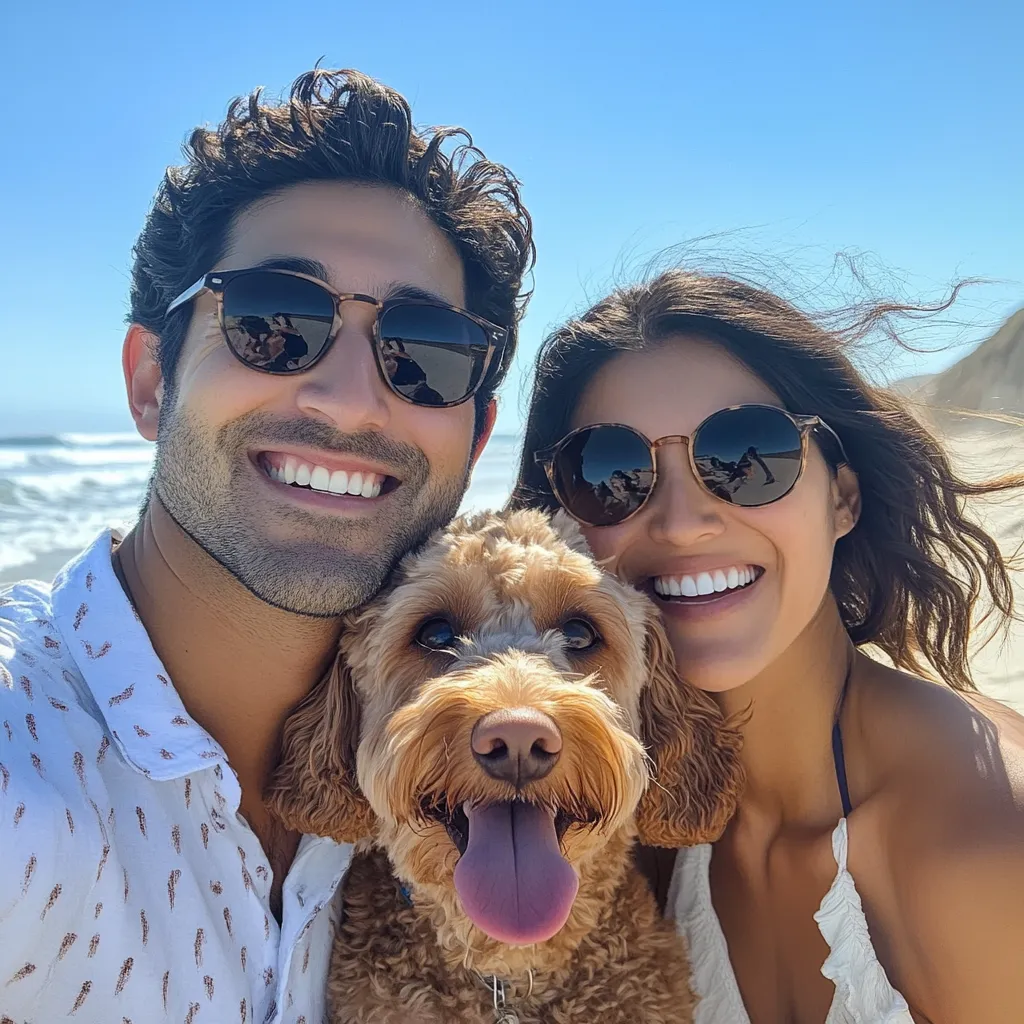 Before
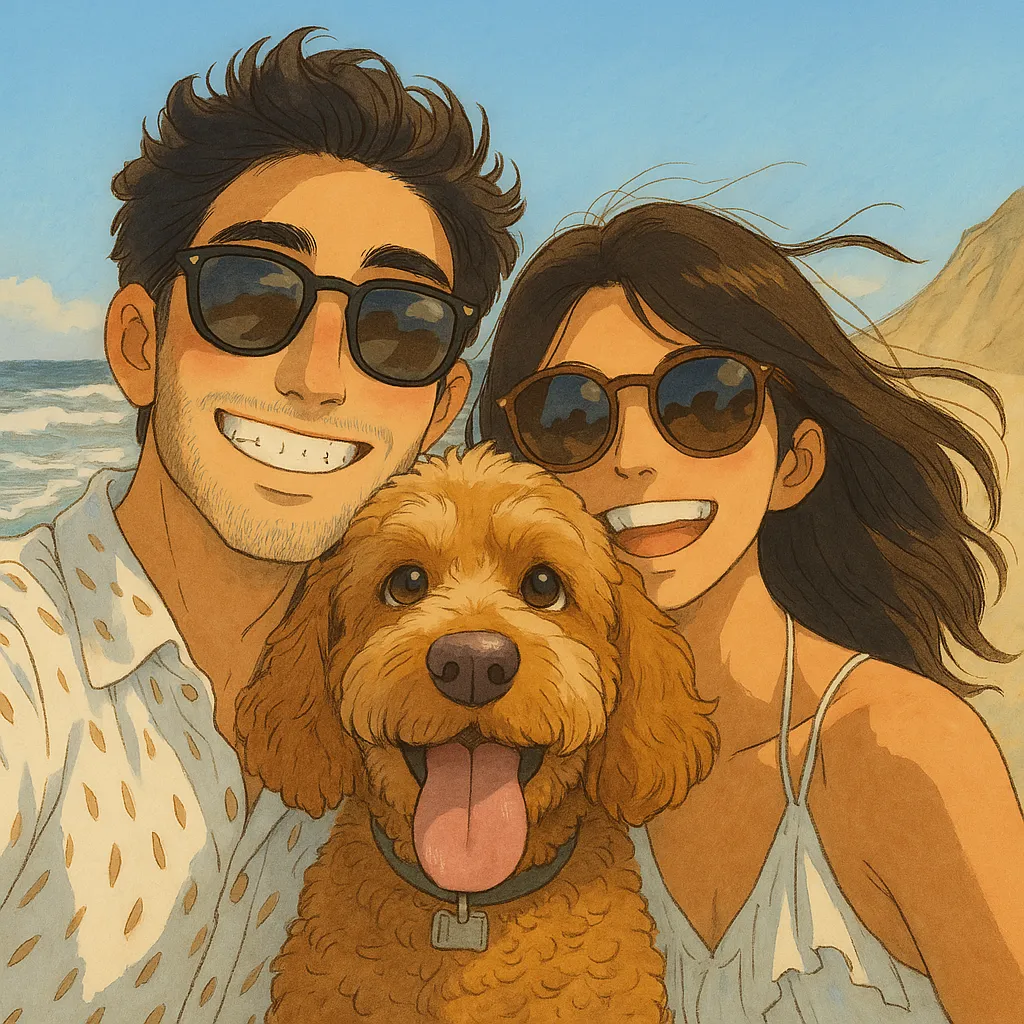 After
After
Classic Anime Style
 Before
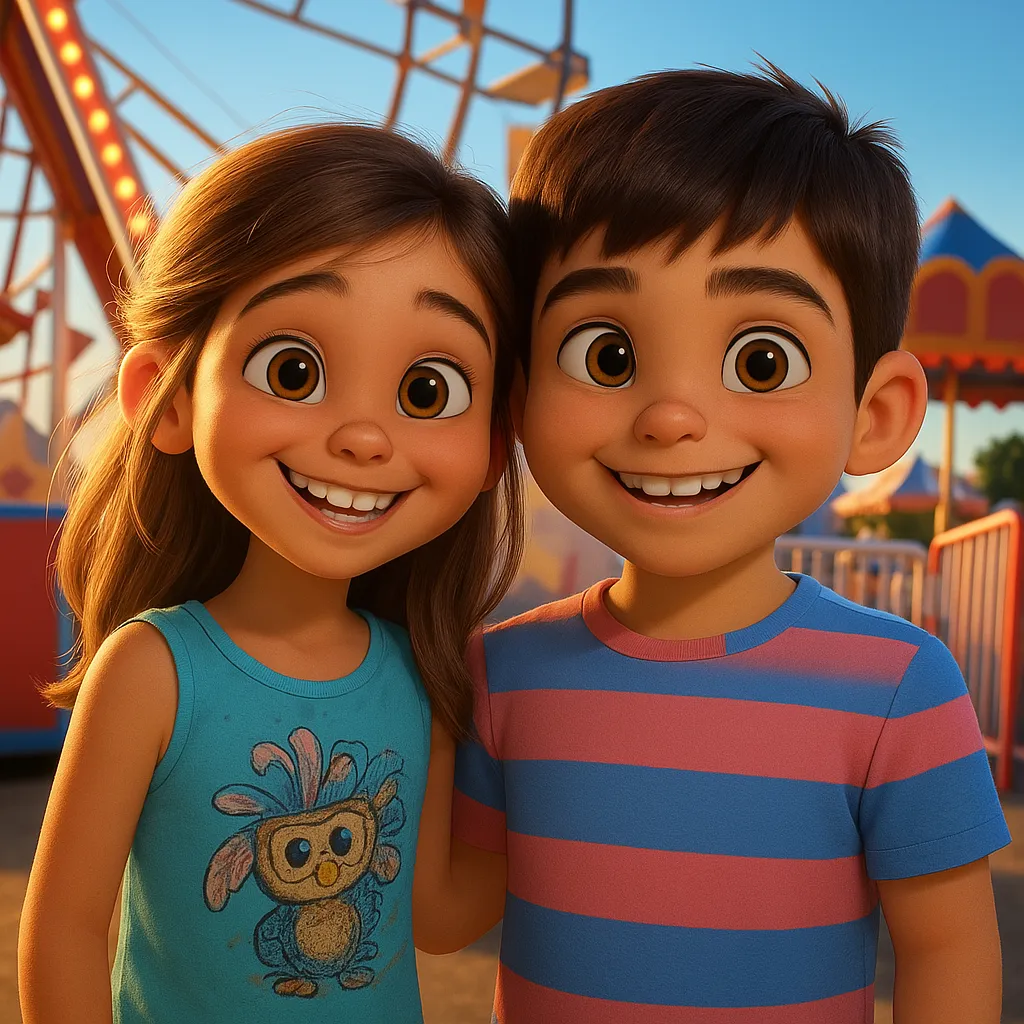 After
After
Animation Studio Style
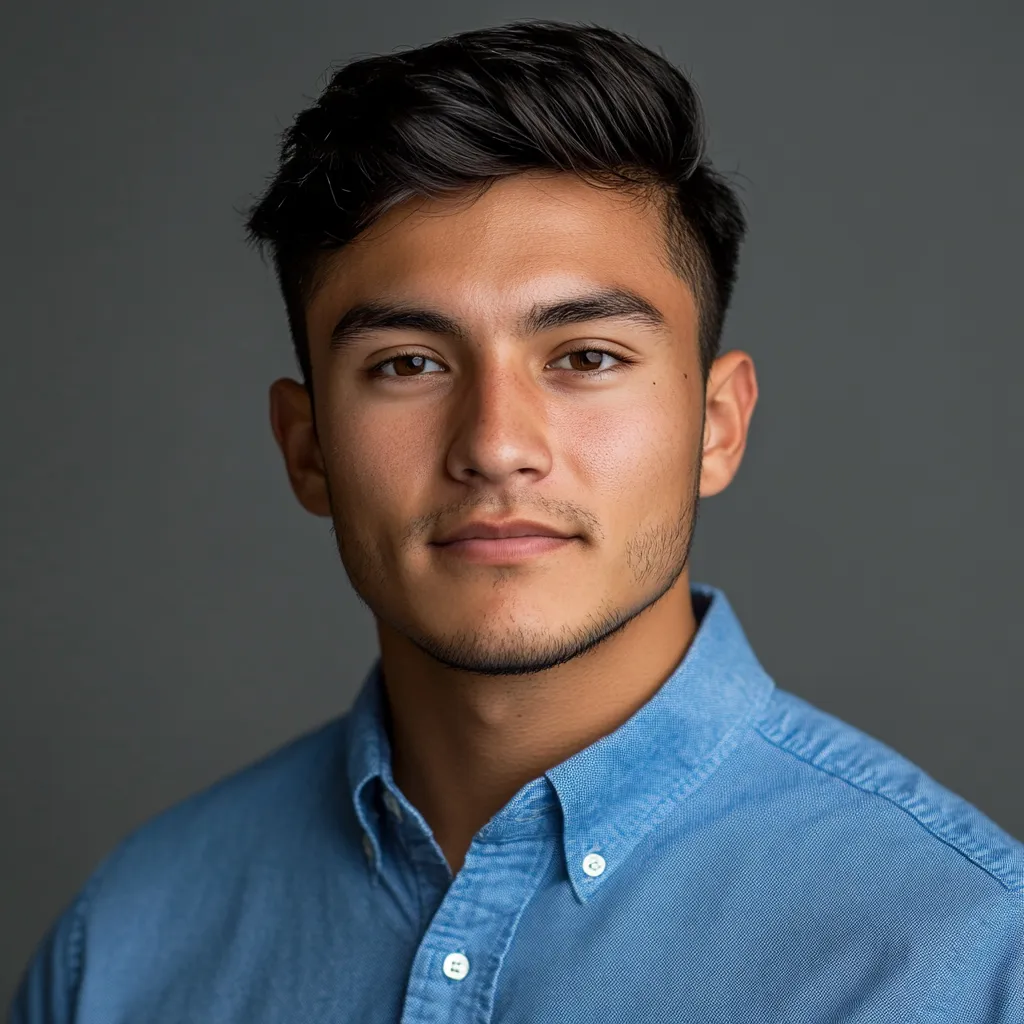 Before
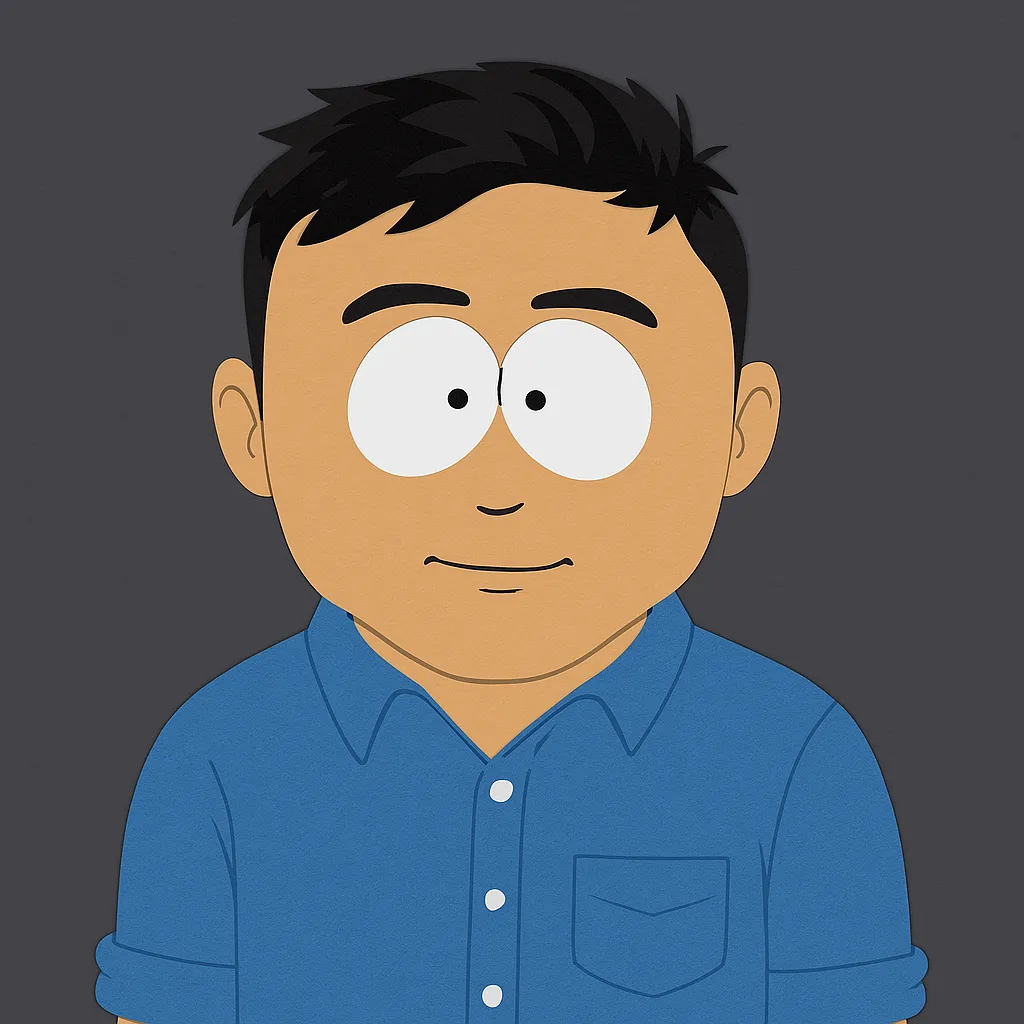 After
After
Parody Cartoon Style
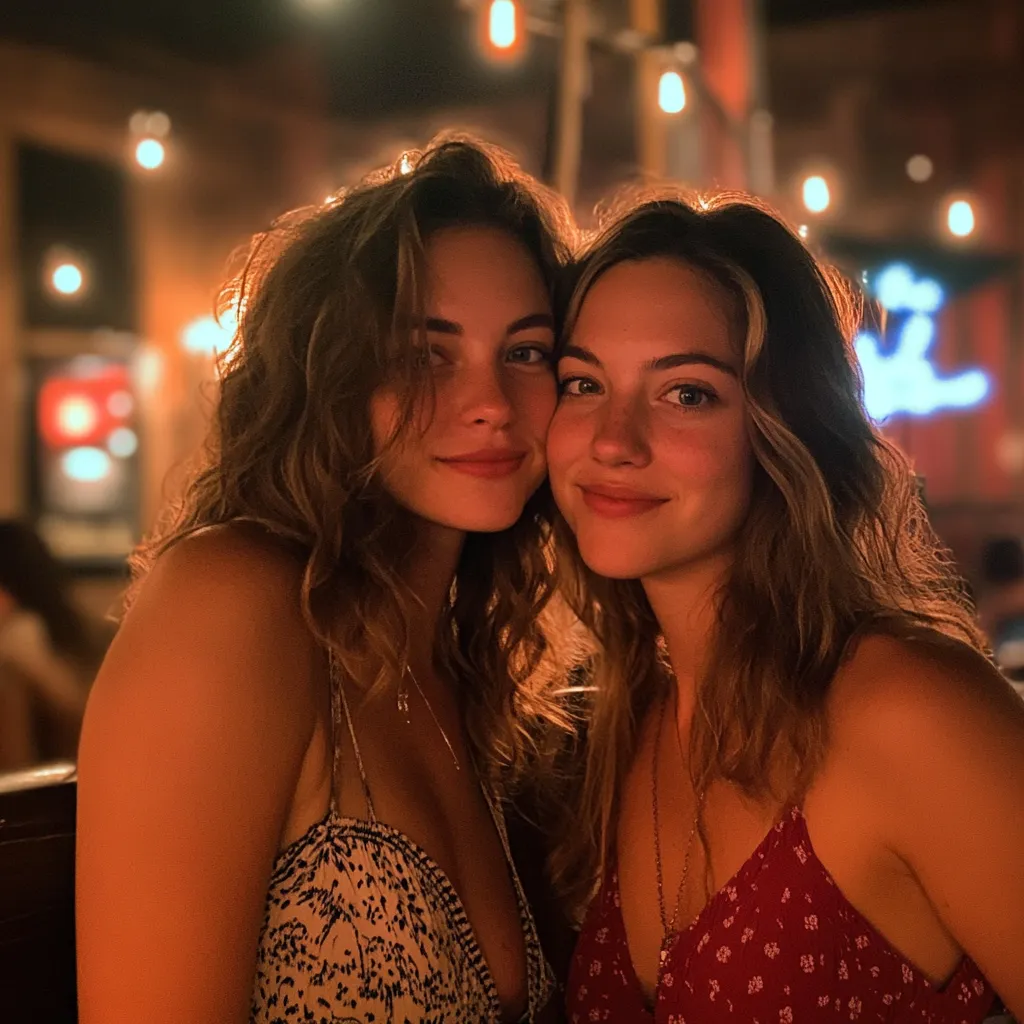 Before
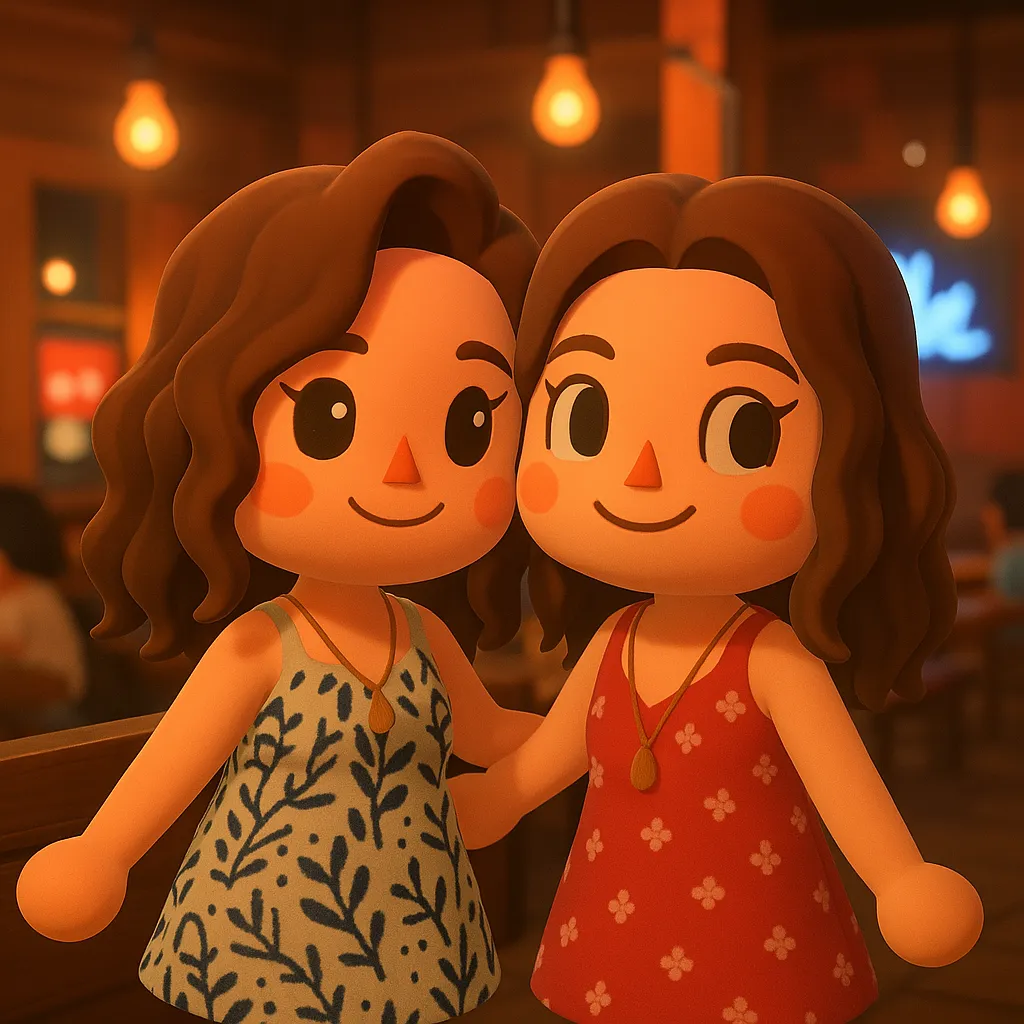 After
After
Cute Island Game Style
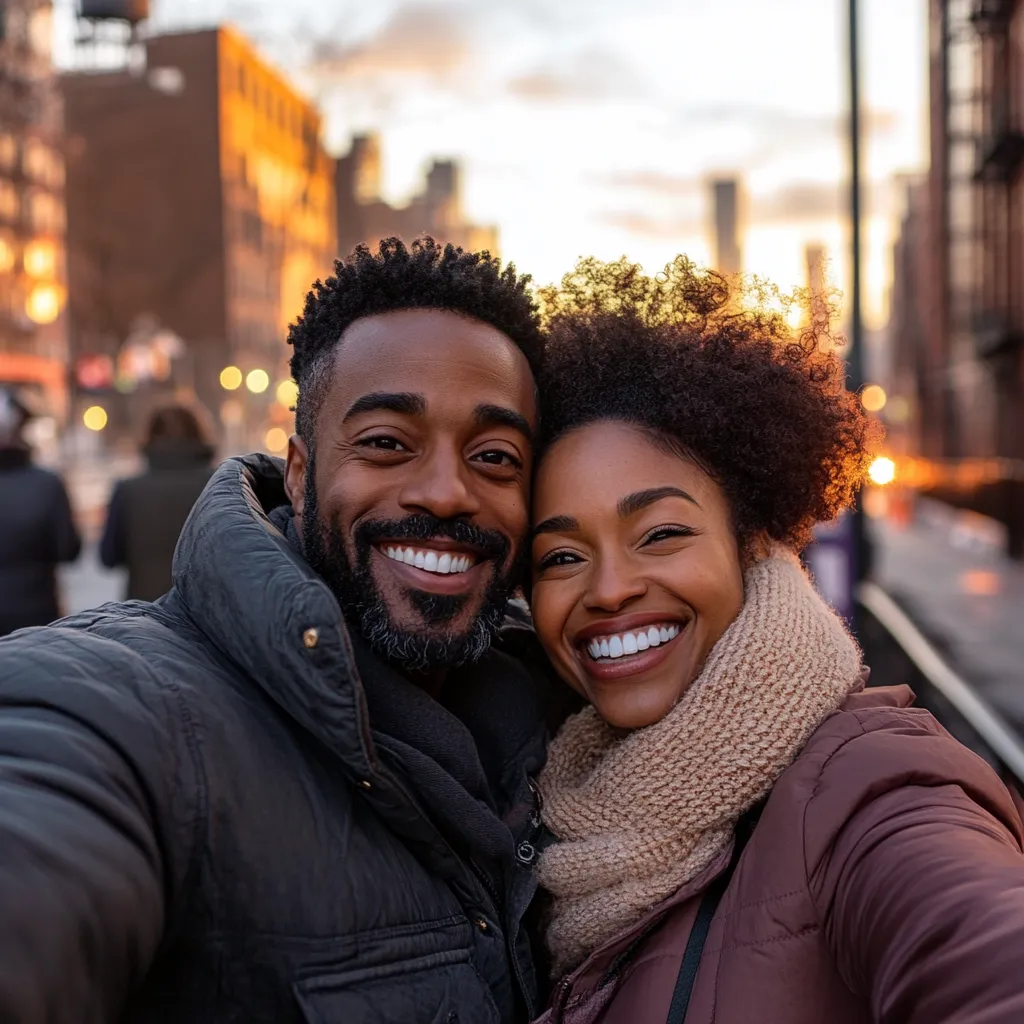 Before
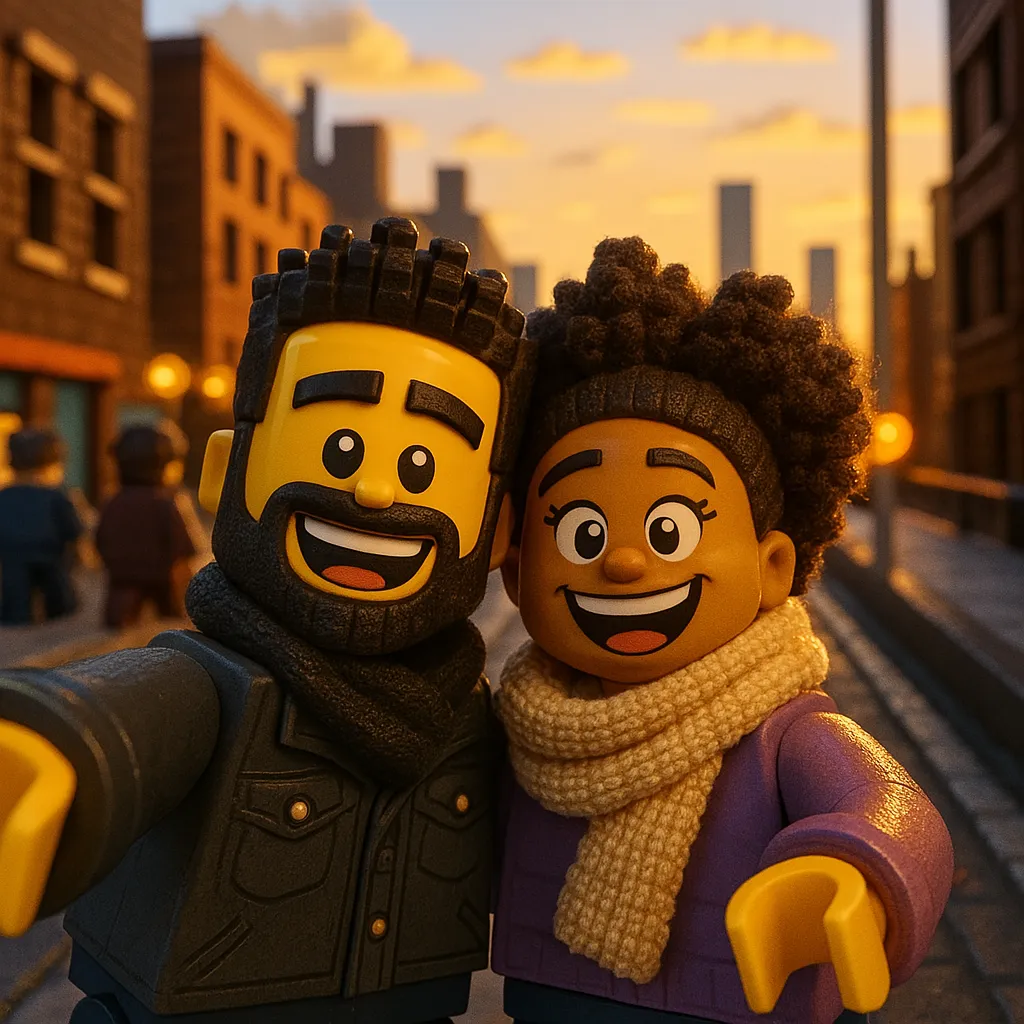 After
After
Block Movie Style
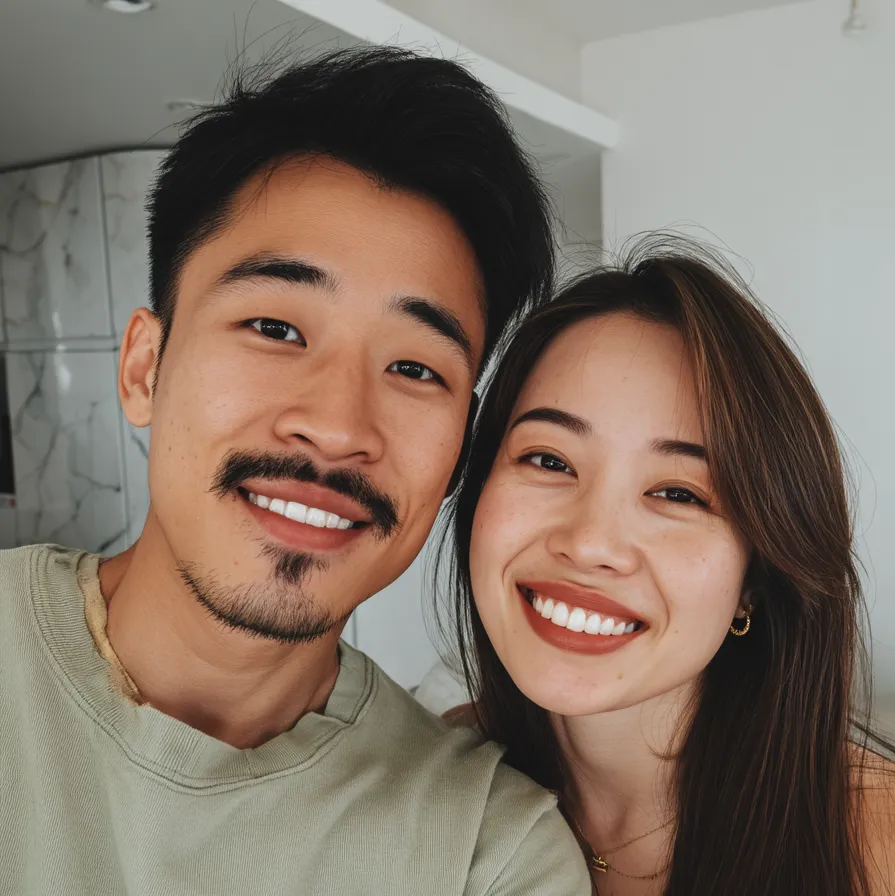 Before
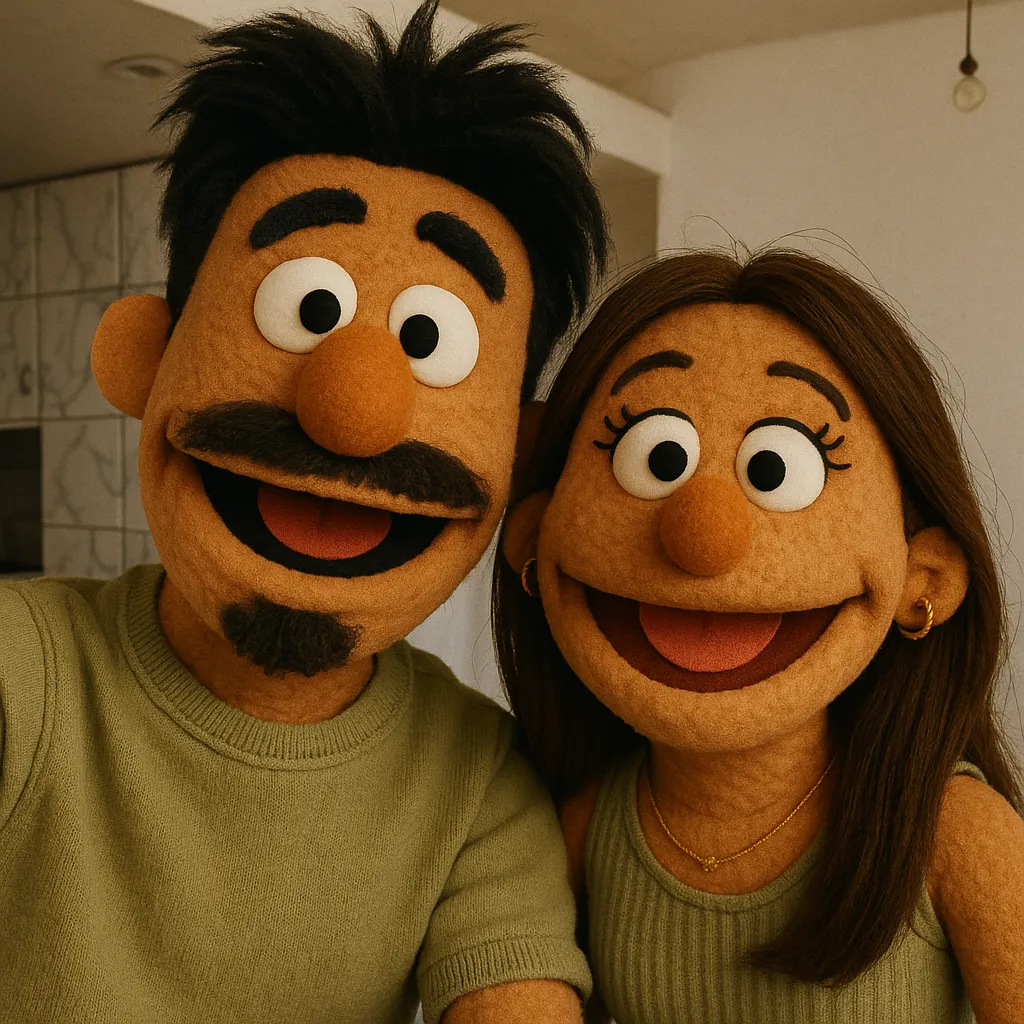 After
After
Fuzzy Puppets Style
See What People Are Creating ↓
See what our community is creating


It's Super Easy
Our cartoon AI turns any photo into expressive cartoon art shortly
Pick a Photo
Upload any photo of yourself, friends, family, or pets
Choose a Style
Pick from 13+ unique cartoon styles
Get Your Cartoon
Review a protected preview, then unlock and share everywhere

Protected preview on the web · Get the iPhone & iPad app
Designed for iPhone & iPad · New styles added regularly
Learn more about our AI cartoon generator →34+ Unique Cartoon Styles
From classic animation to modern favorites — find your perfect cartoon AI style



Perfect For Everyone
Use cartoon AI to create cartoons for yourself, your loved ones, and your furry friends
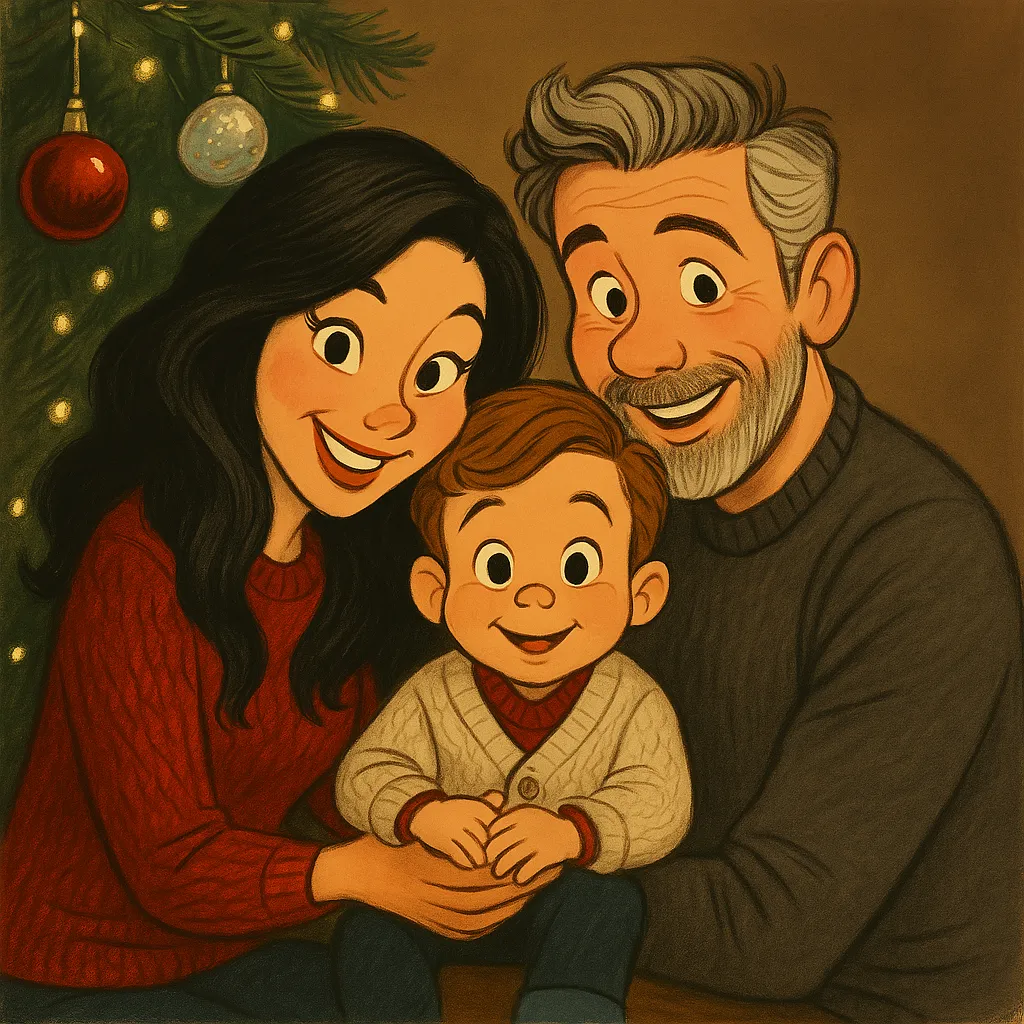
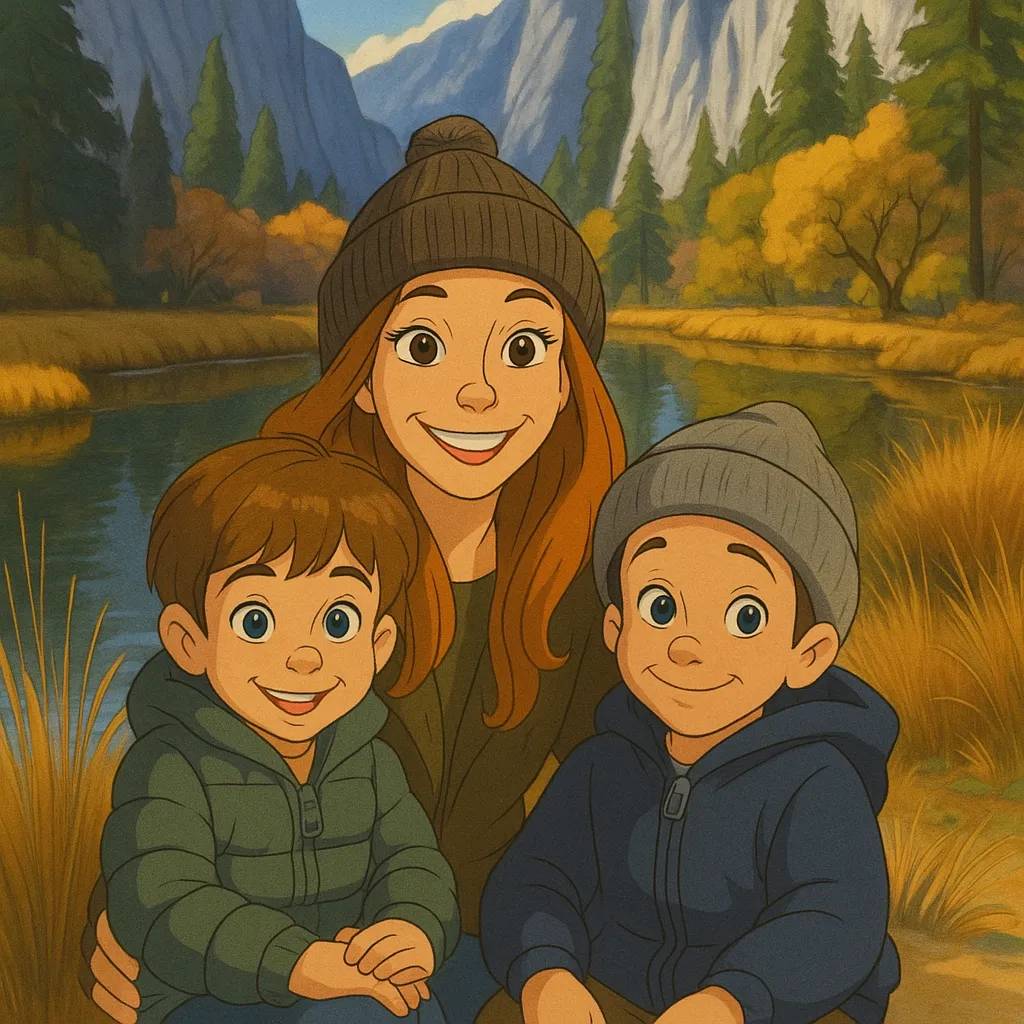
Family
Turn family photos into treasured cartoon memories
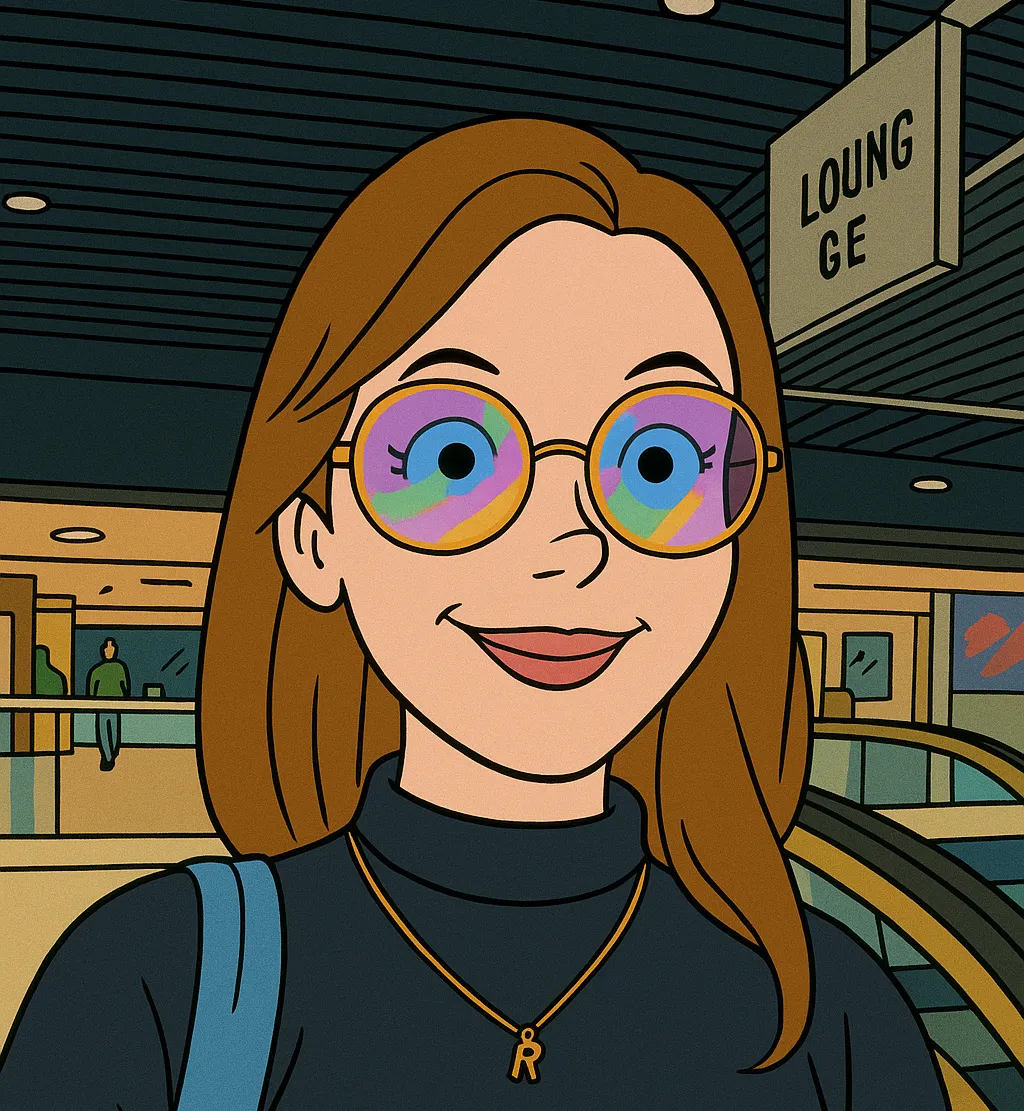
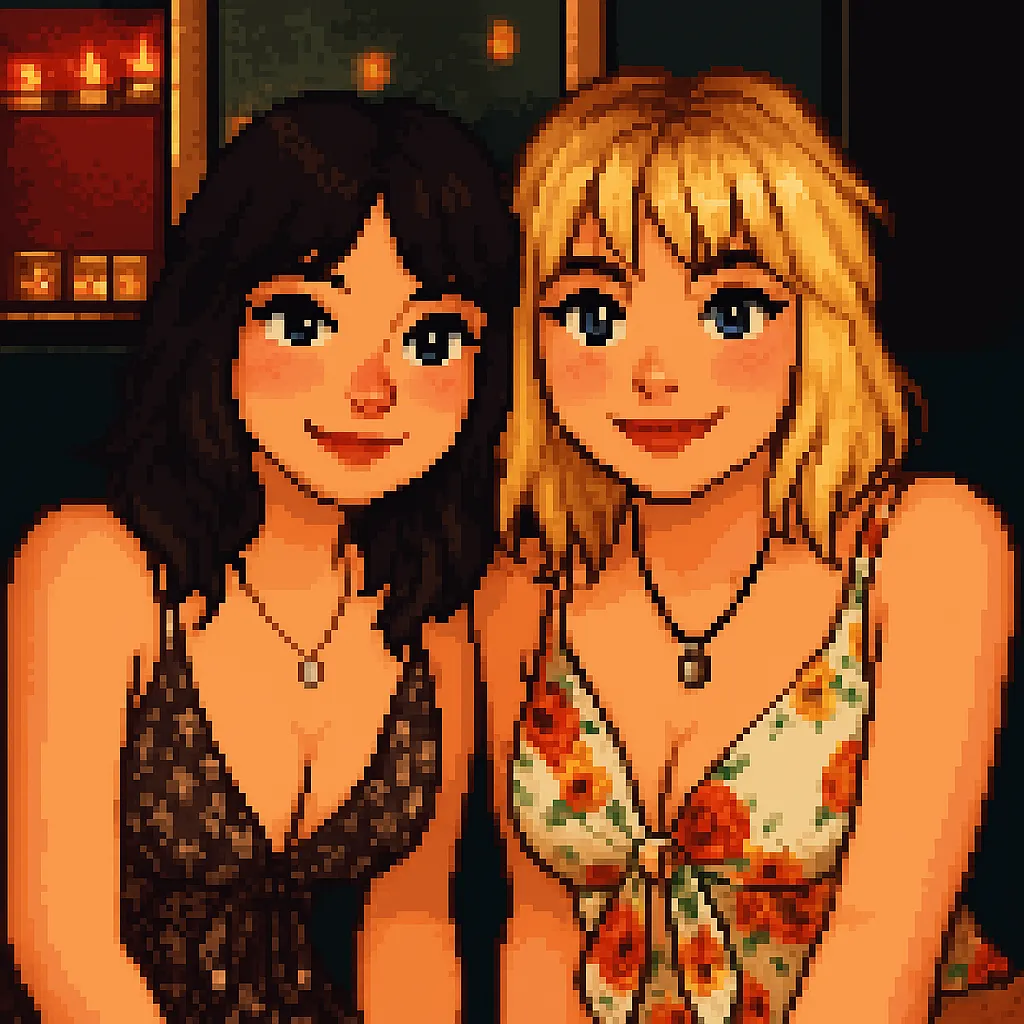
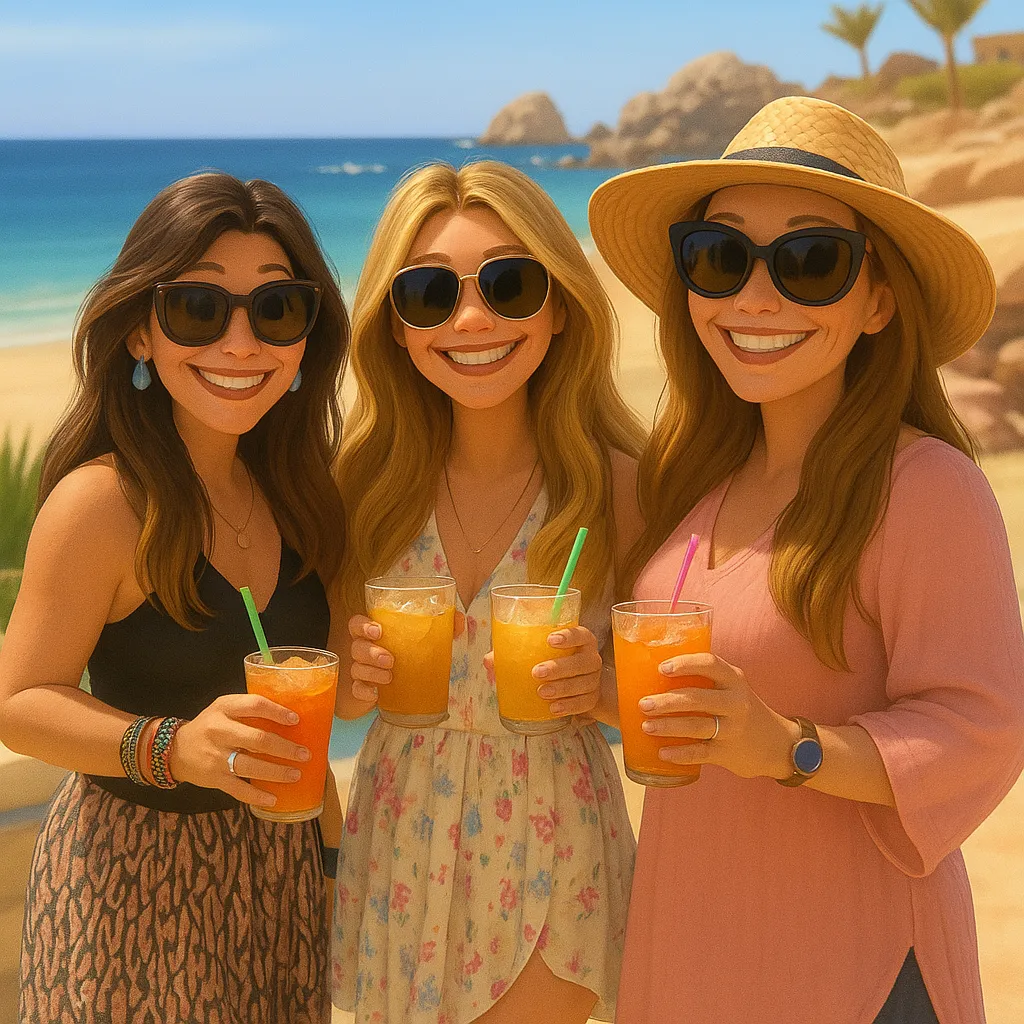
Friends
Create fun group cartoons for your friend group
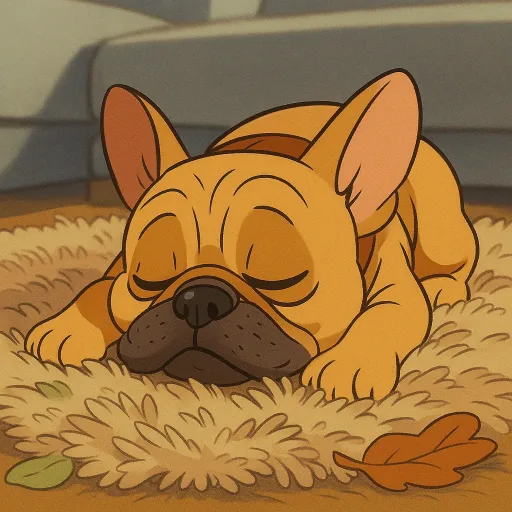
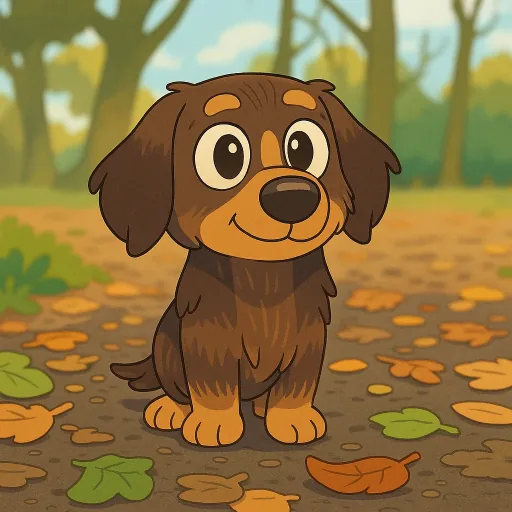
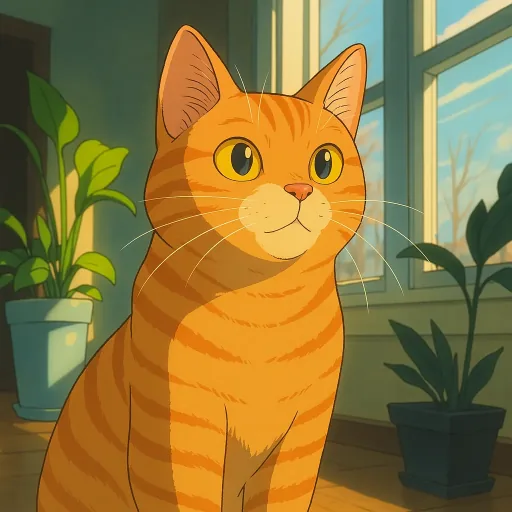
Pets
Turn your furry friends into adorable cartoon characters
Simple, Flexible Pricing
Get one protected preview on the web, then unlock full-resolution results plus more creations with a 10-credit pack—or choose the iOS app and its credit-pack flow.
Take Cartoonie On the Go
Create cartoons right from your camera roll
Generate iMessage sticker packs
Home screen widgets for your favorites
4.8-star rating on the App Store
Ready to Get Cartooned?
Get one protected preview free on the web, then unlock your full-resolution result plus more creations—or start in the iPhone and iPad app.
One protected preview free · Unlock your full-resolution result plus more creations with a 10-credit pack
One protected preview free · Full-resolution unlocks and more creations available
Questions? We've Got Answers
How does Cartoonie work?
Cartoonie is a cartoon AI that analyzes your photos and transforms them into cartoon styles. Our AI recognizes facial features, backgrounds, and more to create amazing cartoon art that looks like you!
Where can I use Cartoonie?
Use the web flow on desktop or Android for one protected preview, or download Cartoonie from the App Store for iPhone and iPad.
How much does it cost?
The web flow includes one protected preview free. Unlock full-resolution results plus more creations with a 10-credit pack, on the web or in the iOS app.
Can I use the cartoons commercially?
You can use unlocked cartoons for personal or commercial projects subject to the Terms of Service and applicable law.
What image formats work best?
Cartoonie works great with JPG and PNG photos up to 8MB. For best results, use photos with good lighting and clear subjects.
What if I'm not happy with the result?
Each style creates a different interpretation. Try another style or photo, or reach out from the app if you need help.