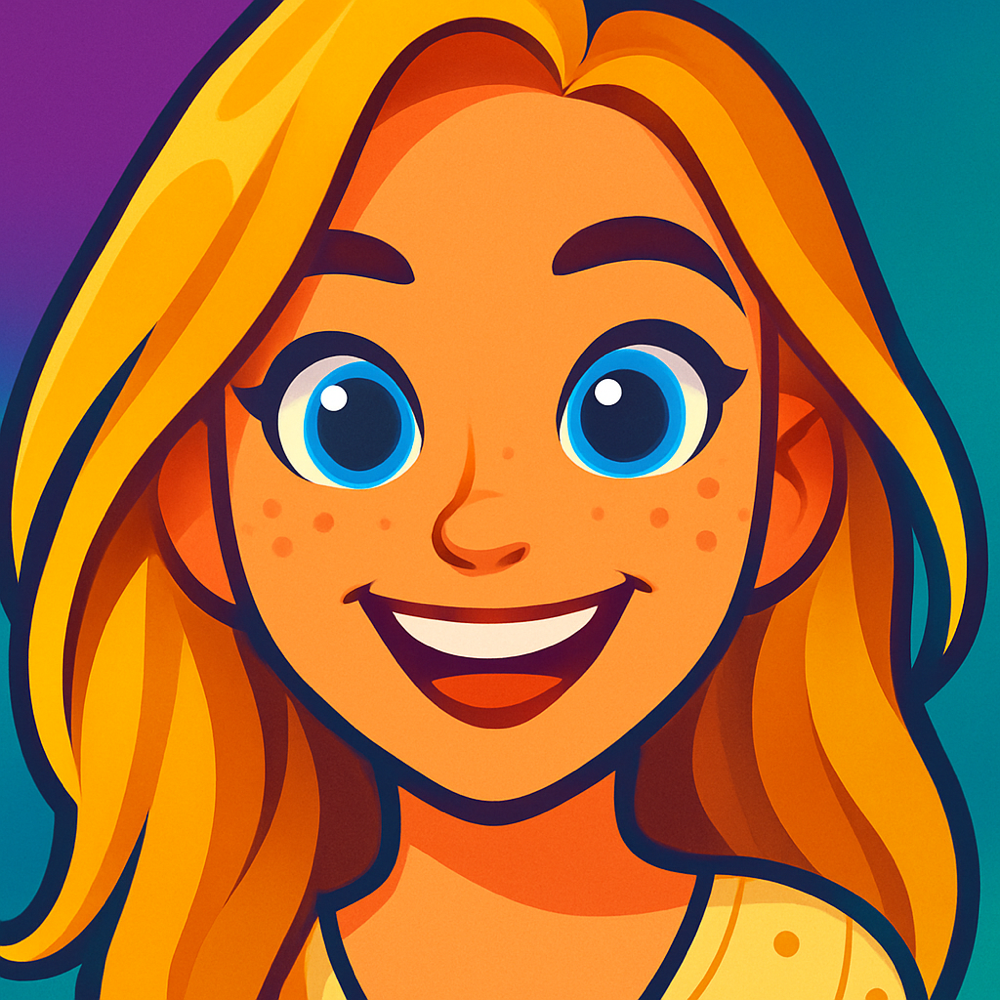
Cartoon Yourself Online from a Photo with AI
Turn a selfie or portrait into a cartoon version of yourself. Upload your photo, pick a style, and get one protected preview before deciding whether to unlock the full-resolution result plus more creations.
Cartoonie uses AI to turn your selfies and portraits into high-quality cartoon art across 13+ unique styles. Whether you want an anime avatar, a classic animation look, or a playful character portrait, you can cartoon yourself online and review the result shortly.
One protected preview free · Unlock your full-resolution result plus more creations with a 10-credit pack
How to Cartoon Yourself Online in 3 Steps
Cartooning yourself has never been easier. Upload a photo, choose a style, review the protected preview, and unlock the full-resolution result when it feels right.
Upload Your Photo
Go to cartoonie.ai and upload a photo from your device or snap a new selfie. The AI works best with well-lit photos where your face is clearly visible. Selfies, portraits, group shots, and even pet photos all work great.
Pick a Cartoon Style
Browse through 13+ cartoon styles and choose the one that matches your vision. Want to look like an anime character? A classic animation hero? A puppet-style figure? Each style gives you a completely different cartoon version of yourself.
Download and Share
Your preview is ready shortly. Unlock the full-resolution result plus more creations with a 10-credit pack, then share it on Instagram, TikTok, WhatsApp, or anywhere else.
Want a more detailed walkthrough? Check out our complete photo-to-cartoon AI guide with tips for getting the best results.
Choose Your Cartoon Style
Every person has a cartoon style that fits them perfectly. Browse the options below and pick the one that speaks to you. From bold anime lines to soft puppet textures, there is a style for every personality.


See What Others Have Created
Real results from people who used Cartoonie to cartoon themselves online. Every one of these started as an ordinary photo.

Transform your photos into modern animation style characters.

Bold, fun, and silly. It's the Cartoonie style!

Bold, fun, and silly. It's the Cartoonie style!

Bold, fun, and silly. It's the Cartoonie style!

Turn your photo into a fun cartoon football star in your nation's kit colors.

Turn your photo into a fun cartoon football star in your nation's kit colors.
Why Cartoon Yourself Online?
A cartoon version of yourself is more than just a fun picture. People use their AI-generated cartoon avatars in dozens of creative ways. Here are the most popular ones.
Social Media Avatars
Stand out on Instagram, TikTok, Twitter, and LinkedIn with a unique cartoon profile picture that captures your personality. Cartoon avatars get more attention and are instantly memorable.
Personalized Gifts
Turn a photo of a friend, family member, or partner into a one-of-a-kind cartoon gift. Print it on a mug, canvas, t-shirt, or greeting card for birthdays, holidays, and anniversaries.
Profile Pictures
Use a cartoon version of yourself on messaging apps like WhatsApp, Discord, and Slack. It adds a layer of privacy while still looking like you, and it is a great conversation starter.
Content Creation
YouTubers, bloggers, and streamers use cartoon avatars for channel art, thumbnails, and branded content. A consistent cartoon style helps build a recognizable personal brand.
Fun with Friends
Cartoon your entire friend group and share the results. It is one of the most entertaining things to do at a party or gathering. Compare styles and see who looks the funniest as a cartoon character.
Sticker Packs
Create personalized iMessage sticker packs featuring your cartoon self. Send your cartoon face in everyday conversations, adding humor and personality to every chat.
Why Choose Cartoonie to Cartoon Yourself Online
There are plenty of apps that claim to cartoon your photos, but most produce low-quality results or hide features behind expensive paid plans. Here is what makes Cartoonie different.
AI-Powered Quality
Cartoonie uses state-of-the-art AI models to generate cartoons that actually look like you. The AI understands facial features, expressions, and body proportions, so your cartoon is a true representation, not a generic filter overlay.
13+ Unique Styles
Unlike apps that offer one or two basic filters, Cartoonie provides a wide variety of genuinely distinct cartoon styles. Classic anime, 3D animation, puppet-style, block figures, and more. Each one produces dramatically different and high-quality results.
Preview Before You Unlock
Start with your own selfie or portrait, choose a style, and see the protected preview before you decide to unlock the full-resolution result plus more creations with a 10-credit pack. The web flow keeps the next step clear from upload through checkout.
Pay-As-You-Go Credits
Pay-as-you-go credit packs keep the choice simple. Unlock your full-resolution result plus more creations when you need them, without a recurring plan.
Fast Results
Your preview is generated shortly. Upload your photo, pick a style, and review the result before unlocking the full-resolution version and more creations with a 10-credit pack.
Want to learn more about turning photos into cartoons? Read our step-by-step guide for detailed tips and techniques.
Best Photos for Cartooning Yourself
The photo you start with makes all the difference. A great source image gives the AI more to work with, which means a cartoon that actually looks like you. Here is what to aim for.
Get the Lighting Right
Natural light is your best friend. Face a window or step outside on an overcast day. Avoid harsh overhead lighting that creates deep shadows under your eyes and nose. The AI reads light and shadow to understand your facial structure, so even, diffused light produces the sharpest cartoon results.
Keep the Background Simple
A cluttered background competes with your face for the AI's attention. Stand in front of a plain wall, a clear sky, or any unbusy surface. You do not need a professional studio backdrop -- just move the laundry pile out of frame.
Show Your Full Face
The AI maps your eyes, nose, mouth, and jawline to build the cartoon. If half your face is hidden behind sunglasses, a hat brim, or another person, the result will be less accurate. Look straight at the camera with both eyes visible for the best likeness.
Use a High-Resolution Image
Blurry or heavily compressed photos lose the fine details that make a cartoon look like you. Aim for a crisp image that is at least 1000 pixels wide. Most modern phone cameras exceed this easily -- just skip the aggressive filters and heavy crops before uploading.
Express Yourself
A genuine smile, a raised eyebrow, or a confident smirk gives the cartoon personality. Flat, passport-style expressions work fine, but the more character you put into the photo, the more character the AI puts into the cartoon. Do not be afraid to ham it up.
Cartoon Yourself for Every Occasion
A cartoon version of yourself is not just a novelty -- it is a creative asset you can pull out again and again. Birthday party coming up? Drop your cartoon face onto the invitation and watch RSVPs roll in. Updating your LinkedIn or Slack profile? A well-made cartoon avatar stands out in a sea of headshots while still looking professional. Team introductions at a new job hit differently when everyone presents their cartoon alter ego instead of an awkward webcam freeze-frame.
Holidays are prime cartoon territory. Picture a custom holiday card featuring cartoon versions of your entire family, or a Valentine's Day post with you and your partner rendered in the Animation Studio style. Teachers use cartoon avatars to make classroom materials more engaging. Coaches use them for team rosters. The format is flexible enough to fit almost any context where a photo of you would normally go.
If a photo can do it, a cartoon can do it better.
Popular occasions people cartoon themselves for:
- Birthday invitations and party favors
- Holiday greeting cards
- Social media profile refreshes
- Team and company introductions
- Wedding save-the-dates and guest books
- Graduation announcements
Ready to see how Cartoonie handles all of these? Make a cartoon character of yourself with our step-by-step guide, or jump straight into the photo-to-cartoon AI to explore styles and techniques.
Frequently Asked Questions
Everything you need to know about cartooning yourself online with Cartoonie.
How do I cartoon myself online with Cartoonie?
Upload a selfie or portrait, choose a Cartoonie style, and get one protected preview online. When you are happy with the result, unlock the full-resolution result plus more creations with a 10-credit pack, or continue in the iOS app.
How long does it take to cartoon yourself online?
The preview process is quick. Upload your photo, pick a cartoon style, and the AI generates your result shortly.
What kinds of photos work best for cartooning yourself?
Photos with good lighting, a clear view of your face, and a simple background produce the best results. Both selfies and portrait-style photos work well. JPG and PNG formats up to 8MB are supported. For group photos, make sure all faces are visible and not obscured.
Can I use my cartoon for social media profiles and commercial purposes?
You can use unlocked cartoons for personal or commercial projects subject to Cartoonie's Terms of Service and applicable law.
How many cartoon styles are available?
Cartoonie offers 13+ unique cartoon styles including Classic Anime, Animation Studio, Block Movie, Parody Cartoon, Fuzzy Puppets, and many more. Each style produces a distinct artistic look, so you can experiment and find the perfect cartoon version of yourself. New styles are added regularly.
Explore More Guides
Ready to Cartoon Yourself Online?
Upload your photo, choose a style, and get one protected preview online. Unlock the full-resolution result plus more creations with a 10-credit pack, or use the iOS app for the full Cartoonie experience.
One protected preview free · Unlock your full-resolution result plus more creations with a 10-credit pack
One protected preview free · Unlock your full-resolution result plus more creations with a 10-credit pack · 4.8★ on the App Store