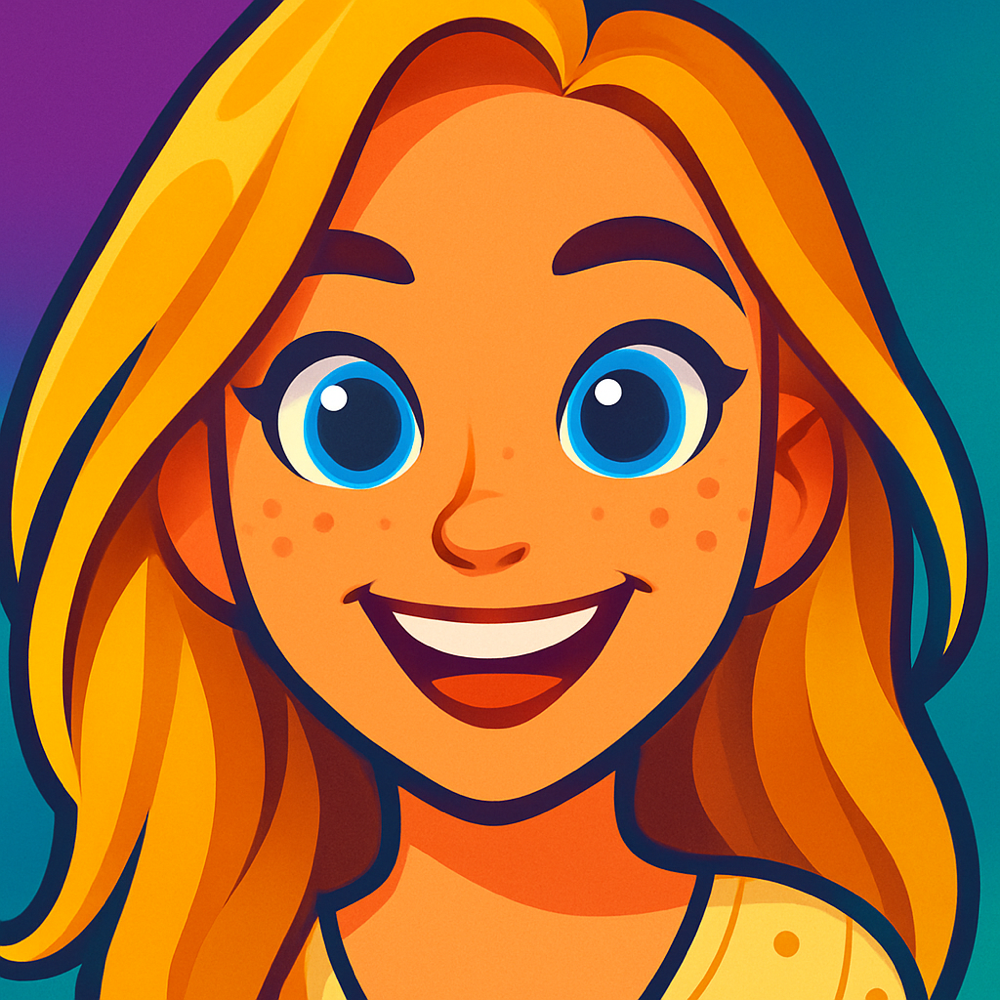
AI Cartoon Generator Turn Any Photo Into a Cartoon
Transform selfies, portraits, pet photos, and group shots into stunning cartoon art with our AI cartoon generator. Pick from 13+ active styles and get a protected preview shortly.
No design skills required. Upload your photo, choose a style, and decide when to unlock the full-resolution result plus more creations with a 10-credit pack.
One protected preview free · Unlock your full-resolution result plus more creations with a 10-credit pack · iPhone app available
What Is an AI Cartoon Generator?
An AI cartoon generator uses deep learning models to convert real photographs into cartoon-style artwork. Unlike basic photo filters that slap a color shift or edge detection over your image, an AI cartoon generator actually reconstructs the entire picture. It analyzes facial structure, lighting, clothing, background elements, and expression, then redraws everything in the target cartoon style from scratch.
The difference is obvious when you compare results. A filter gives you a slightly modified version of your photo. An AI cartoon generator gives you something that looks like an artist sat down and drew you.
Cartoonie takes this a step further by offering 13+ distinct artistic styles. Each one uses a different AI model configuration trained to replicate a specific cartoon aesthetic, from the clean lines of Japanese anime to the volumetric rendering of 3D animation studios to the tactile warmth of puppet-style stop-motion. The AI does not just stylize your photo. It reimagines it as if it were created in that medium from the start.
The protected preview is generated shortly. No artistic skill required from you.
How the AI Cartoon Generator Works
Three steps. Preview shortly. That is all it takes.
Upload Your Photo
Go to cartoonie.ai and upload any photo from your device. Selfies, group shots, pet photos, full-body portraits -- the AI handles them all. JPG and PNG up to 8MB.
Choose a Cartoon Style
Browse 13+ cartoon styles and pick the one you want. Classic Anime, Animation Studio, Block Movie, Fuzzy Puppets, Comic Pop, and more. Each produces a completely different artistic result.
Get Your Cartoon
The AI generates your protected preview shortly. Unlock the full-resolution result plus more creations with a 10-credit pack, then share it on social media or try another style.
AI Cartoon Generator Styles
Every style uses a different AI configuration to produce a distinct artistic look. Browse the options and find the one that matches your vision.


AI Cartoon Generator vs. Other Methods
There are several ways to turn a photo into a cartoon. Here is how they stack up against each other.
| Method | Quality | Speed | Cost | Ease |
|---|---|---|---|---|
| AI Cartoon Generator | Excellent | Shortly | Preview, then pay | Very Easy |
| Photoshop Filters | Medium | 5-15 min | $23/mo | Hard |
| Hiring an Artist | High | Days-Weeks | $50-500+ | Easy (you wait) |
| Basic App Filters | Low | Instant | Free-$5 | Very Easy |
Basic filters are fast but look cheap. Hiring an artist gives you quality but costs hundreds and takes days. Photoshop requires real skill. An AI cartoon generator hits the sweet spot: professional-quality results, a short preview turnaround, and no learning curve.
What People Use the AI Cartoon Generator For
A cartoon version of your photo is more versatile than you might think.
Social Media Avatars
Cartoon profile pictures get noticed. Use your AI-generated cartoon on Instagram, TikTok, X, LinkedIn, or any platform where you want to stand out from the sea of standard headshots.
Personalized Gifts
Turn someone's photo into a cartoon and print it on a mug, canvas, t-shirt, or phone case. Birthdays, holidays, anniversaries -- a custom cartoon gift beats a generic present every time.
Pet Cartoons
Dogs, cats, birds, hamsters -- the AI cartoon generator handles pets beautifully. Create cartoon versions of your furry friends for framing, sharing, or just making yourself smile.
Professional Headshots
Need a creative headshot for your blog, podcast, YouTube channel, or business card? A cartoon version of yourself adds personality while keeping things professional.
Content Creation
YouTubers, bloggers, and streamers use AI-generated cartoon avatars for channel art, video thumbnails, merchandise designs, and brand identity across platforms.
Gaming Avatars
Create custom avatars for Discord servers, Steam profiles, Twitch, or any gaming community. A cartoon version of yourself makes your gaming identity instantly recognizable.
AI Cartoon Generator Results
Real photos transformed into cartoons by our AI. These examples show the range of active styles available for photo conversion.


AI Cartoon Generator FAQ
Answers to the most common questions about using an AI cartoon generator.
What is an AI cartoon generator?
An AI cartoon generator is software that uses artificial intelligence to transform photos into cartoon-style images. Unlike simple filters that overlay effects on top of your photo, AI generators use deep learning models to actually reconstruct the image in a cartoon art style. The result is a genuine cartoon that preserves your likeness while applying real artistic transformation -- not just a color-shifted version of your photo.
How do I use this AI cartoon generator?
Upload a photo, choose an active Cartoonie style, and get one protected preview. Unlock the full-resolution result plus more creations with a 10-credit pack, or use the iOS app.
How does the AI cartoon generator differ from a filter?
A filter applies a uniform visual effect to your entire image -- like changing colors, adding blur, or detecting edges. The underlying photo remains the same. An AI cartoon generator builds a new image from scratch based on what it sees in your photo. It understands faces, bodies, clothing, and backgrounds, then redraws everything in the target cartoon style. The difference in quality is stark.
What types of photos work best?
Clear, well-lit photos with visible faces produce the strongest results. Front-facing portraits with simple backgrounds are ideal, but the AI also handles group shots, full-body images, side profiles, and pet photos. Avoid heavily filtered images or photos where the subject is blurry or obscured. Both JPG and PNG formats are supported, up to 8MB.
How many cartoon styles are available?
Cartoonie offers 13+ distinct cartoon styles, each producing a genuinely different artistic output. Styles include Classic Anime, Animation Studio, Block Movie, Parody Cartoon, Fuzzy Puppets, Modern Animation, Comic Pop, and more. New styles are added regularly. You can try the same photo across multiple styles to see which one you like best.
Can I use my AI-generated cartoon for commercial purposes?
You can use unlocked cartoons for personal or commercial projects subject to Cartoonie's Terms of Service and applicable law.
Try the AI Cartoon Generator for Your Photo
Visit Cartoonie and create one protected preview. Choose a style, review the result, and unlock the full-resolution result plus more creations with a 10-credit pack—or use the iOS app.